Culture Karaoke
How it works
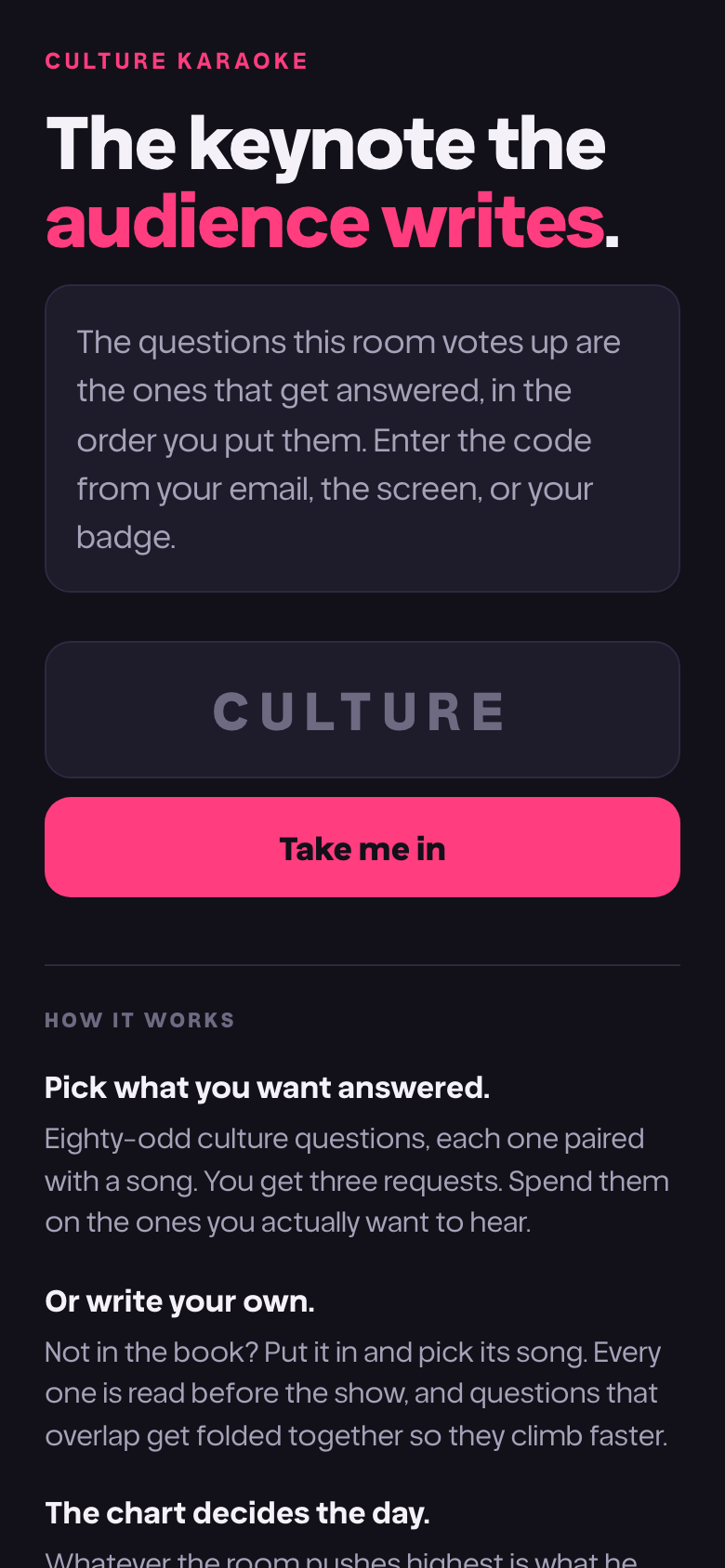
You are about to write the running order of a keynote. It takes about a minute.
Join
Scan the QR code on the screen, or go to culturekaraoke.live and type the event code from your email or your badge.
There is nothing to download, no account to make and no email address to give. Nobody is asked for a name at any point, and nothing you do is attached to one.
Spend your requests
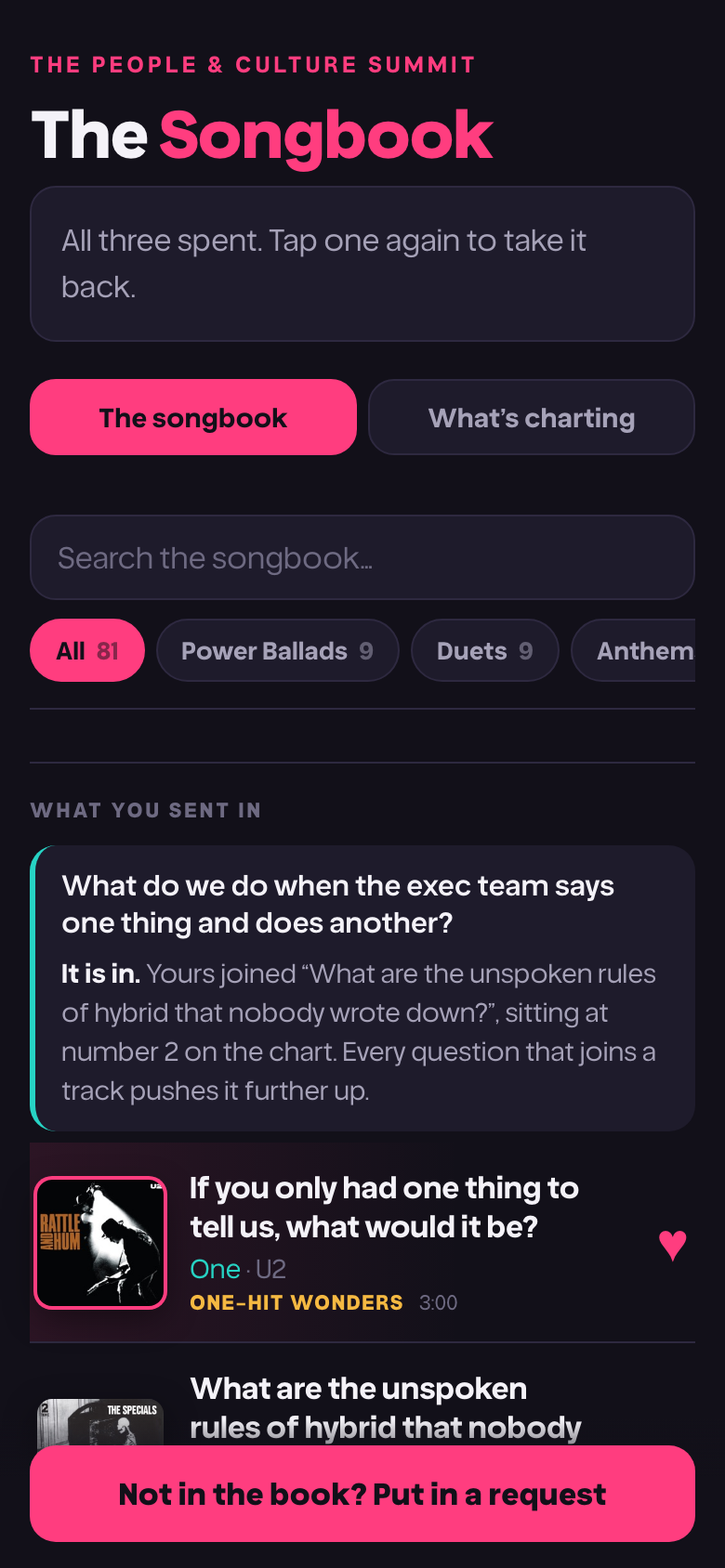
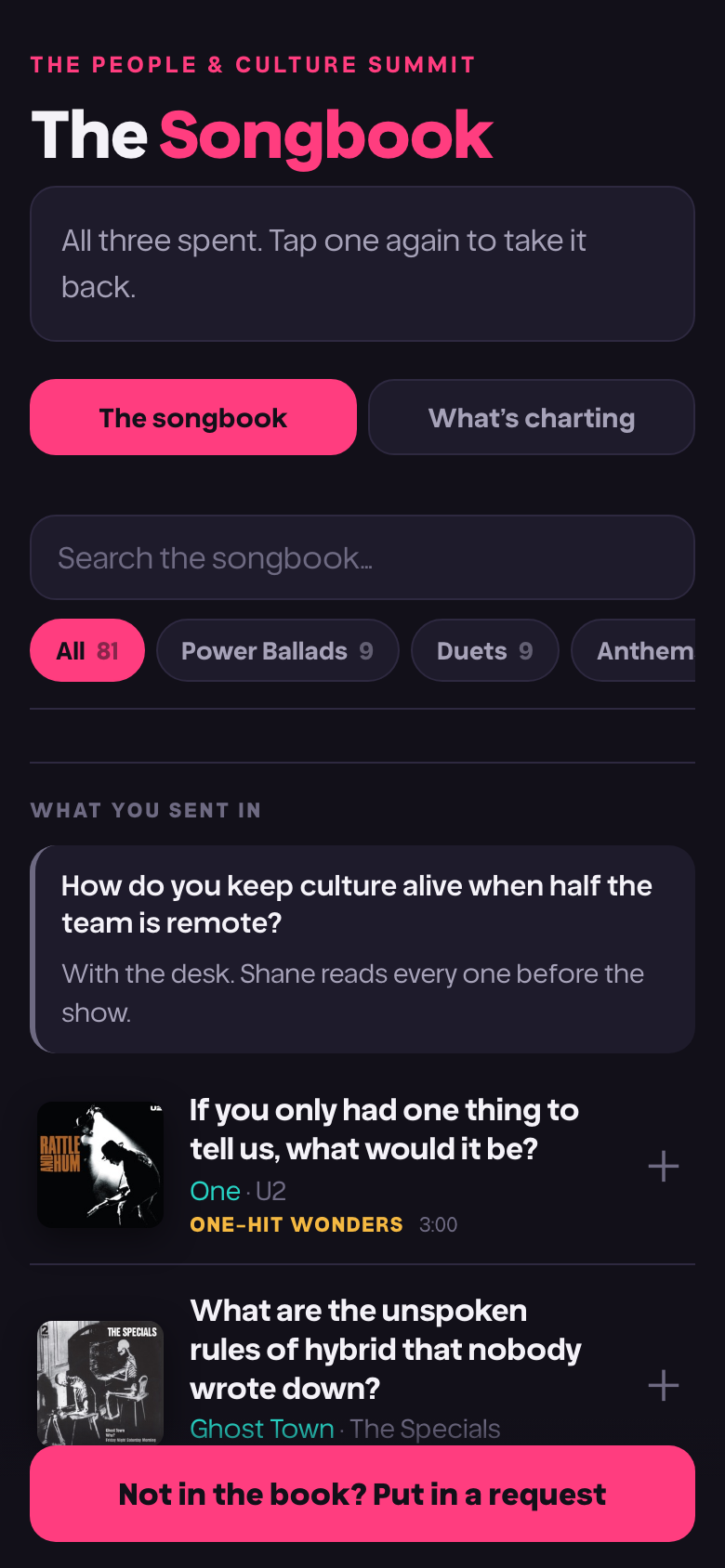
You get three requests. The songbook holds every question the speaker has prepared, grouped by the kind of conversation it is, each one paired with a song.
Tap a question to spend a request on it. Tap it again to take the request back and spend it somewhere else. Nothing is final until the voting closes.
Spend all three, or spend one. Three is a limit, not a target.
Write your own
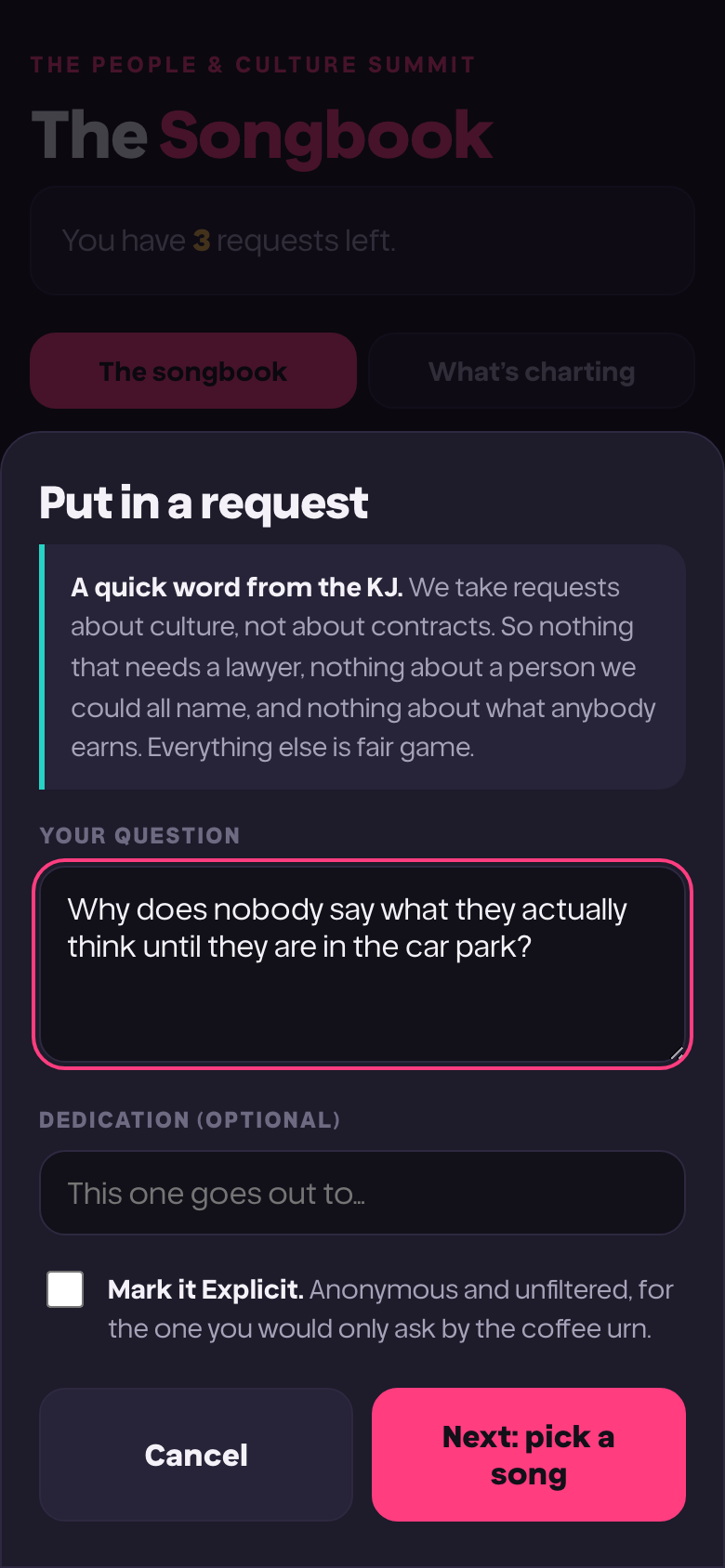
If the question you actually have is not in the songbook, write it. It goes to the speaker, who either folds it into a question already there or gives it a track of its own.
You can add a dedication, the way you would on the radio. For everyone on the third floor. For my last manager. It gets read out with the question.
If it is blunt, mark it explicit. It goes up wearing a parental advisory sticker, which is the format telling the room it is safe to be honest.
Pick its song
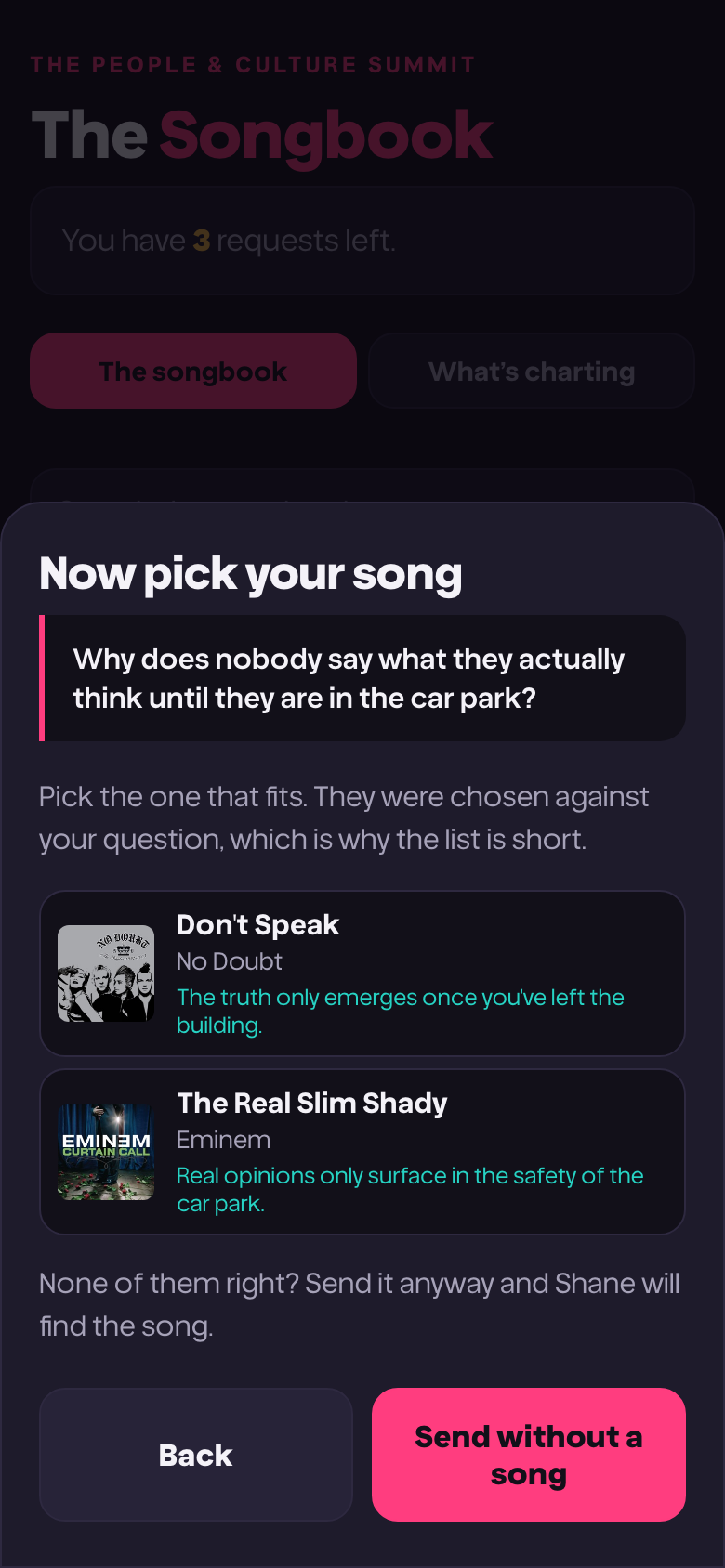
Every question in the chart carries a record, so yours gets one too. A few are suggested against what you wrote, with a line on why each one fits.
None of them right? Send it without one and the speaker will find the song.
Watch it move
The chart shows positions, not vote counts. Whatever the room pushes highest is what gets answered, in that order.
Voting often reopens during the session. When it does, everyone gets a fresh request and the chart moves while you watch it.
Afterwards the page stays up, carrying the setlist exactly as your room voted it and one thing to do about it.
If you are stuck
- The code will not work.
- Codes are letters and numbers with no spaces, and case does not matter. If it still will not take, the session may not be open yet, or the code may be for a different event. Check the one on the screen in the room.
- My requests have disappeared.
- Two reasons this happens, and both are meant to. Voting may have reopened for a live round, which hands everybody a fresh request and starts a new count. Or you are on a different phone or browser to the one you voted on, and there is no account tying them together.
- It says I have none left.
- You have spent all of them. Tap any question you have already requested to take that one back, then spend it elsewhere.
- I cannot find the question I wrote.
- Questions you write do not appear in the songbook straight away. They go to the speaker first, who folds near-identical ones together so they climb the chart instead of splitting the vote. Yours may already be in there under someone else's wording.
- The page has stopped updating.
- It only refreshes while it is the tab you are looking at, to save your battery. Come back to it and it catches up within a couple of seconds. If it looks stuck for longer than that, pull to refresh.
- Will anyone know it was me?
- No. There is no account, no name and no email address anywhere in this. The speaker sees the question and the dedication, never who wrote it.
Three requests. That is the whole thing.
Spend them on the questions you would actually ask if the room were empty and it was only you and the speaker.